Charging for workplace coffee does not have to mean putting an old-fashioned vending machine in the corner. A modern paid-vend coffee setup can be a bean-to-cup machine serving good espresso, milk drinks and, with the right configuration, hot chocolate—with each drink paid for by card or phone.
We are increasingly asked about this by offices, managed workspaces and busy industrial sites. The interesting question is rarely just “can the machine take payments?” It is who should pay, what each drink needs to cost, and which machine will work reliably for the people using it.
Compare Evoca/Gaggia with a suitable Nayax payment setup against JURA with Pocket Pilot 2.0. Both have a place. The best fit depends on payment preference, drinks menu, daily volume and who will look after the coffee point.
Explore OBS paid-vend options →What is a paid-vend coffee machine?
Paid vend simply means the person taking a drink pays for it, rather than the company covering every cup. You might charge staff £1.00 for an americano, ask visitors to pay by contactless card, or give members of a serviced office a prepaid allowance.
It is not the same as a free-on-loan vending contract. A workplace may own or lease the coffee equipment and still charge for individual drinks. Equally, a fully managed vending operator may supply and replenish equipment under a very different commercial agreement. It is worth distinguishing the two before you compare quotations.
There are four broad approaches: free vend (the organisation funds the drinks), paid vend (the drinker pays), subsidised vend (the organisation contributes to the price) and mixed access (different arrangements for different users, where the payment system supports it).
Contactless card reader or QR payment: which is better?
Neither is automatically the premium option. People have different habits. Someone arriving from a production shift may want to tap their bank card immediately; a member in a shared office might be comfortable scanning a QR code on a familiar coffee machine.
| What matters | Evoca / Gaggia + Nayax | JURA + Pocket Pilot 2.0 |
|---|---|---|
| Typical payment journey | Tap a card or mobile wallet on a compatible unattended reader. | Scan an on-machine QR code and pay using a smartphone. |
| Equipment approach | Suitable Gaggia/Evoca machine plus the correct reader, connection module and configuration. | Compatible JURA Professional machine with Payment Connect and Pocket Pilot account. |
| Where to explore it first | Busy shared coffee points, shift-based sites and users who prefer a physical tap-to-pay terminal. | Offices and shared spaces comfortable with a mobile-first QR payment journey. |
| Before ordering | Confirm the exact machine payment interface (such as MDB or CCI where supported), reader, UK installation and merchant fees. | Confirm the specific JURA model/version, Payment Connect, supported payment provider and any charges. |
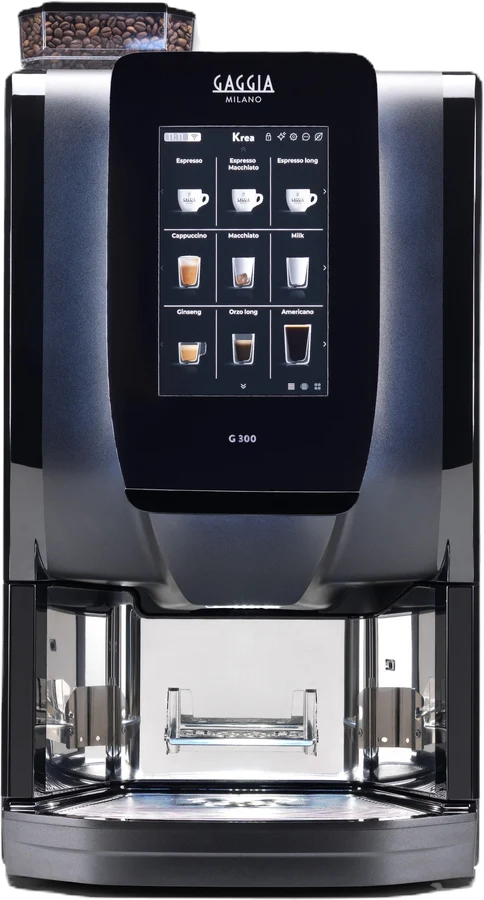
Evoca/Gaggia with Nayax: the Gaggia G300 is worth exploring for a busy self-service area, especially when granulated-milk drinks and chocolate matter. A Gaggia G100 can be appropriate for a different-sized office. Nayax offers cashless readers and management tools, but neither an ordinary G300 nor every G100 configuration automatically includes the payment hardware. We check the actual interface, side module and reader before promising a working combination.
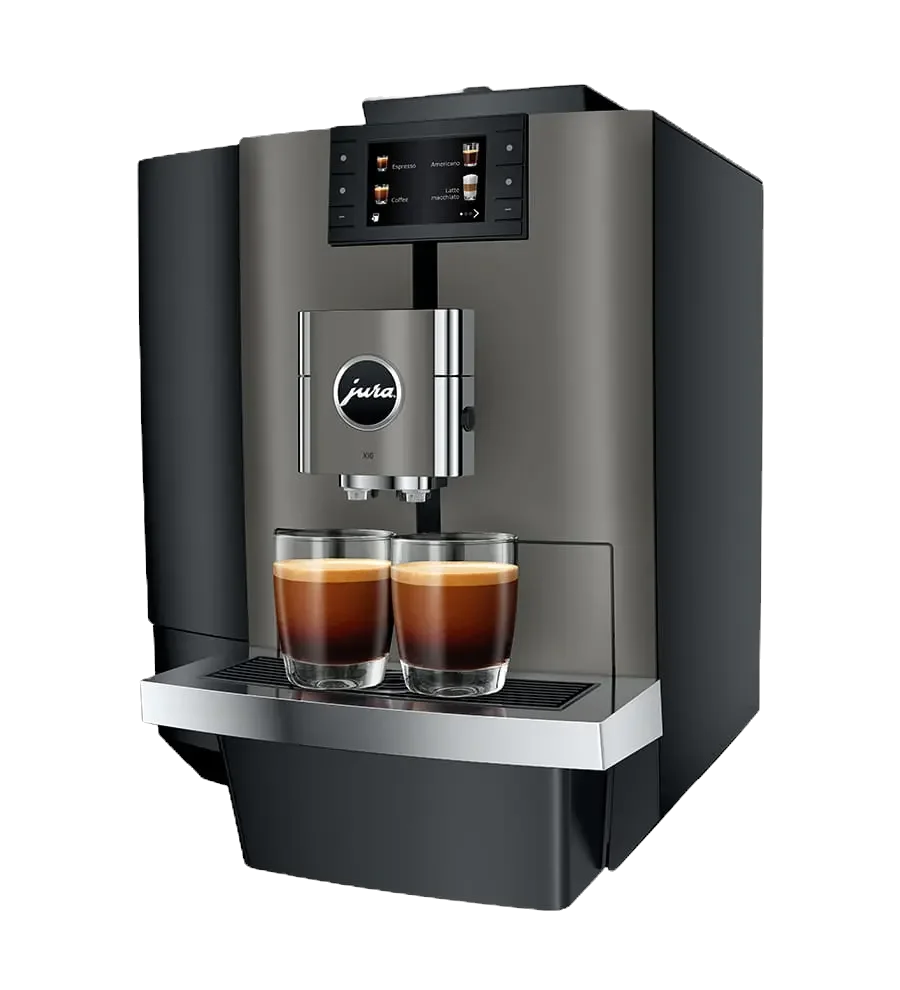
JURA Pocket Pilot 2.0: JURA describes a QR-led journey where the person scans the machine's code, pays on their phone and then receives the drink. Payment Connect provides the connection on compatible models, including relevant W8 and X10 versions. JURA also offers other payment interfaces on some machines; Pocket Pilot is one route, not JURA's only possibility.
For a managed workspace, a physical card reader can feel familiar to occasional visitors; QR can work well where regular users are accustomed to it. The right answer depends on the specific audience, site connectivity, hardware and payment account, not the brand alone.
How much money could paid-vend office coffee bring in?
A simple starting point is drinks actually sold per day × selling price × trading days. That calculates gross takings, not profit or the amount available to pay off the machine.
| Illustrative demand | Price per drink | 22 working days |
|---|---|---|
| 50 drinks per day | £1.00 | £1,100 gross monthly takings |
| 80 drinks per day | £1.20 | £2,112 gross monthly takings |
| 120 drinks per day | £1.50 | £3,960 gross monthly takings |
These are mathematical examples, not demand forecasts or profit claims. They assume that every estimated drink is sold at the stated price on every trading day. Real sales will change with attendance, price, weather, preferences and downtime.
From those takings you still need to account for the VAT treatment of drink sales, coffee and milk or granulated ingredients, cups where supplied, water and power, payment processing, equipment purchase or lease payments, servicing, filter changes and any staff time spent refilling and cleaning. For UK VAT-registered operators, hot drinks are generally standard-rated; HMRC's guidance on employee catering and vending should be checked for the actual arrangement.
That is why we would not recommend a machine just because a spreadsheet suggests it can “pay for itself in 12 months”. A reliable way to plan is to estimate real demand conservatively, price the complete installed setup and decide whether your aim is cost recovery, a controlled staff benefit or a revenue-generating amenity.
Try the OBS paid-vend gross-takings calculator, then ask us to work through the complete costs with you.
Can you charge employees for office coffee?
Some UK businesses provide hot drinks as a staff benefit; others charge a modest amount or subsidise the coffee. Charging itself is a familiar workplace arrangement, but do check your employment policies, any existing promised benefits and the accounting treatment with your HR and finance teams before changing a current provision.
A useful middle ground can be a staff allowance: for example, the organisation funds some drinks, while additional drinks are paid for by the individual. Specific free-drink credits, prepaid cards, user-group rules and subsidy arrangements depend on the chosen provider and configuration, so they should be demonstrated rather than assumed.
For context, GOV.UK lists hot drinks provided at work among tax-free employee benefits. That does not remove the need to consider VAT where drinks are sold, nor does it make every subsidy programme identical.
Which workplaces benefit most from paid vend?
Managed and serviced offices
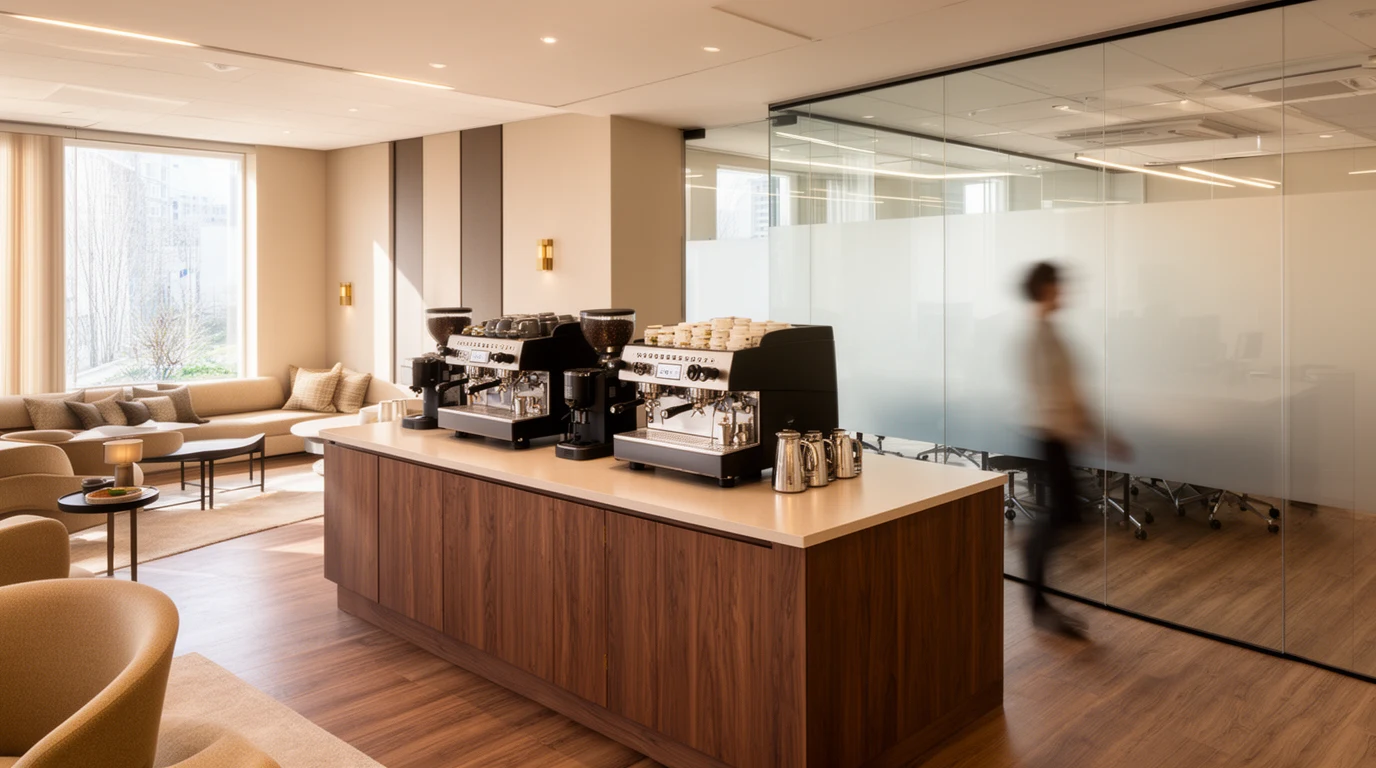
When several tenants share kitchens or meeting areas, a chargeable coffee point can provide a more clearly allocated refreshment cost. Ask whether visitors will pay individually, whether the workspace operator wants to offer included drinks, and whether each floor needs its own machine. See how OBS approaches managed workspaces.
Warehouses and production facilities
Shift patterns, short breaks and large bursts of demand matter more than a headline staff count. For these sites, a straightforward menu and a card-based payment experience may be attractive. We would look closely at a suitable Gaggia G300 configuration, including the cashless reader and who replenishes ingredients. Explore warehouse coffee machines.
Smaller and mid-sized offices
Where staff are used to fresh-milk coffee, a compatible JURA W8 or X10 with Pocket Pilot can be worth exploring. If chocolate or a granulated-milk menu is important, Gaggia may be the more practical starting point. The right choice also depends on tank-fed versus plumbed-in water and the cleaning routine.
Whatever the environment, the coffee still needs to taste good and the machine needs to be reliable. Charging for a drink changes the customer expectation: colleagues and visitors want a straightforward payment and a consistent result, not a long queue or a complicated refund process.
What must a complete paid-vend quotation include?
Before accepting a headline price, ask your supplier to put the full responsibilities in writing:
- Exact machine and drinks menu. Model, milk format, chocolate capability and maximum expected demand.
- Payment equipment. Specific reader or Payment Connect, mounting/side module, interface, firmware, cabling and installation.
- Merchant account. Who owns it, who sets prices, who receives settlements, minimum fees, processing rates, any subscription and refund process.
- Working setup. Water supply, drainage, filtration, electrical provision and network/mobile connectivity.
- Running costs. Beans, milk/chocolate, cups, cleaning products, energy, filters and planned maintenance.
- Ownership and finance. Whether you are buying or leasing the machine, the total agreement cost and any service or warranty exclusions.
- Daily operation. Who fills, cleans, checks, reconciles and deals with out-of-service periods.
At OBS our usual commercial approach is equipment purchase or business leasing, supported by the installation and care arrangements agreed in the quote. It is not automatically a free machine, a revenue-share deal or a fully managed replenishment service. We would rather make the responsibilities clear than surprise you after installation.
Frequently asked questions
Does every paid-vend coffee machine need a card reader?
No. A compatible JURA Pocket Pilot setup uses QR-led smartphone payments, while an appropriate Evoca/Gaggia and Nayax configuration may use a physical contactless reader. The available routes differ by model and accessory.
Can visitors pay while staff receive free coffee?
Potentially, where the payment-management system supports the required access and pricing rules. We would confirm the provider, account setup and user journey before building this into a proposal.
Can you lease a contactless coffee machine?
We can compare suitable commercial coffee machines on three- or five-year business finance, subject to status and final terms. Payment hardware, merchant fees and maintenance must be specified separately where relevant; not every charge will necessarily be included in the lease.
Is Nayax or Pocket Pilot cheaper?
There is no reliable universal answer. Compare the exact machine, device/accessory price, payment account costs, transaction fees and who manages the equipment. The least expensive initial accessory may not be the least expensive system to run at your expected transaction volume.
The next step: specify the coffee point, not just the card reader
Tell us how many people use the space, roughly how many coffees are made on a busy day, which drinks matter, who will refill the machine and how you would like people to pay. We can compare a suitable Evoca/Gaggia + Nayax route with JURA Pocket Pilot rather than defaulting to one manufacturer.
Good coffee. The right way to pay.
Compare cashless solutions, then let OBS check the equipment, payment compatibility and full installed cost for your site.
Sources and further reading
Product and payment information referenced in this guide: JURA Pocket Pilot 2.0, Gaggia Professional G300, Nayax Office Coffee Services and Nayax coffee interface guidance. UK tax information: HMRC VAT Notice 701/14 and HMRC employee catering guidance. Always confirm model compatibility, current prices and the treatment of your particular arrangement before ordering.